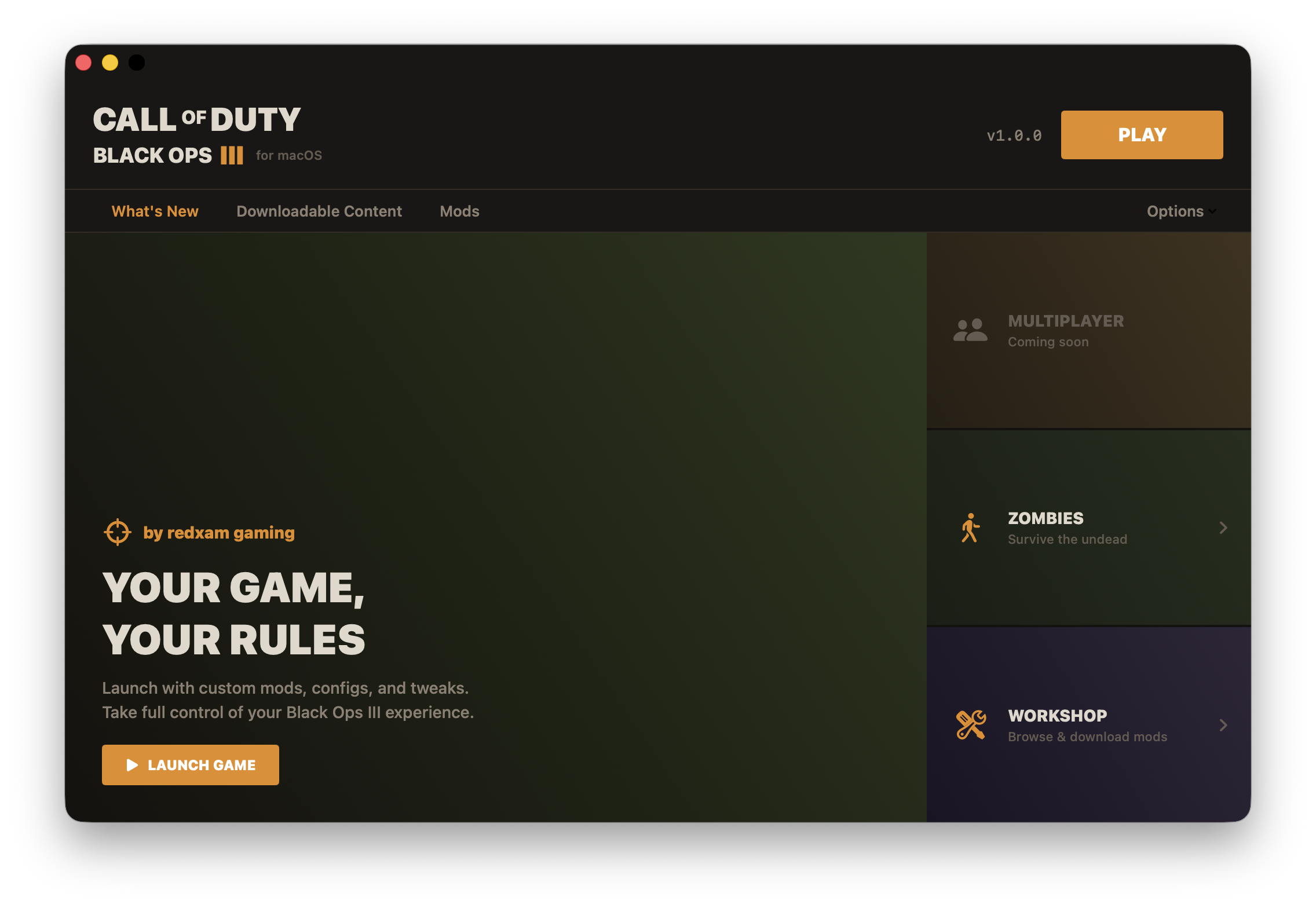
BO3 Launcher
for macOS
macOS natively doesn't run mods for Black Ops III. Built and collaborated in the fix to bring BO3 to macOS — and built this custom launcher to play the hundreds, if not thousands, of mod maps the Call of Duty Zombies community has created over the past decade.
macOS 14.0+ • Requires Steam & Call of Duty: Black Ops III
Features
One-Click Launch
Launch Black Ops III with BO3MacFix applied automatically. DYLD injection handles the rest — no terminal commands needed.
Mod Management
Browse installed Steam Workshop mods with thumbnails, titles, and sizes. Delete mods or open their Workshop pages directly.
BO3MacFix Auto-Install
Bundles BO3MacFix 1.2-beta3. Detects if it's missing and installs it automatically, including Gatekeeper bypass.
Steam Integration
Replaces Steam's default launcher binary so clicking Play in Steam opens BO3 Launcher instead of the Aspyr launcher.
Custom Game Paths
Game installed on an external drive? No problem. Browse for your game folder or reset to the default Steam path.
Self-Installing
Downloads anywhere, moves itself to /Applications on first Steam integration setup. Clean and self-contained.
How It Works
Download
Unzip the app from your Downloads folder and open it.
Auto-Setup
The launcher detects your game, installs BO3MacFix if needed, and moves itself to /Applications.
Steam Integration
One click to replace Steam's default launcher. Play from Steam opens BO3 Launcher.
Play
Hit Play. Game launches with the macOS fix applied. Manage mods from the Mods tab.
Built With
Native macOS app — no Electron, no web views. ~85 MB download including the bundled BO3MacFix.
Your game, your rules.
Take full control of your Black Ops III experience on macOS. Custom mods, one-click launching, and no more Aspyr launcher.
Download BO3 Launcher